Write one workflow.
Run it as a service.
ZipperGen is a Python framework for workflows with LLM agents, people, and services. Write who does what and who makes each decision. ZipperGen runs the participants, saves their progress, and keeps track of human approvals. Use one CLI to configure, deploy, and inspect the workflow on your machine or server.
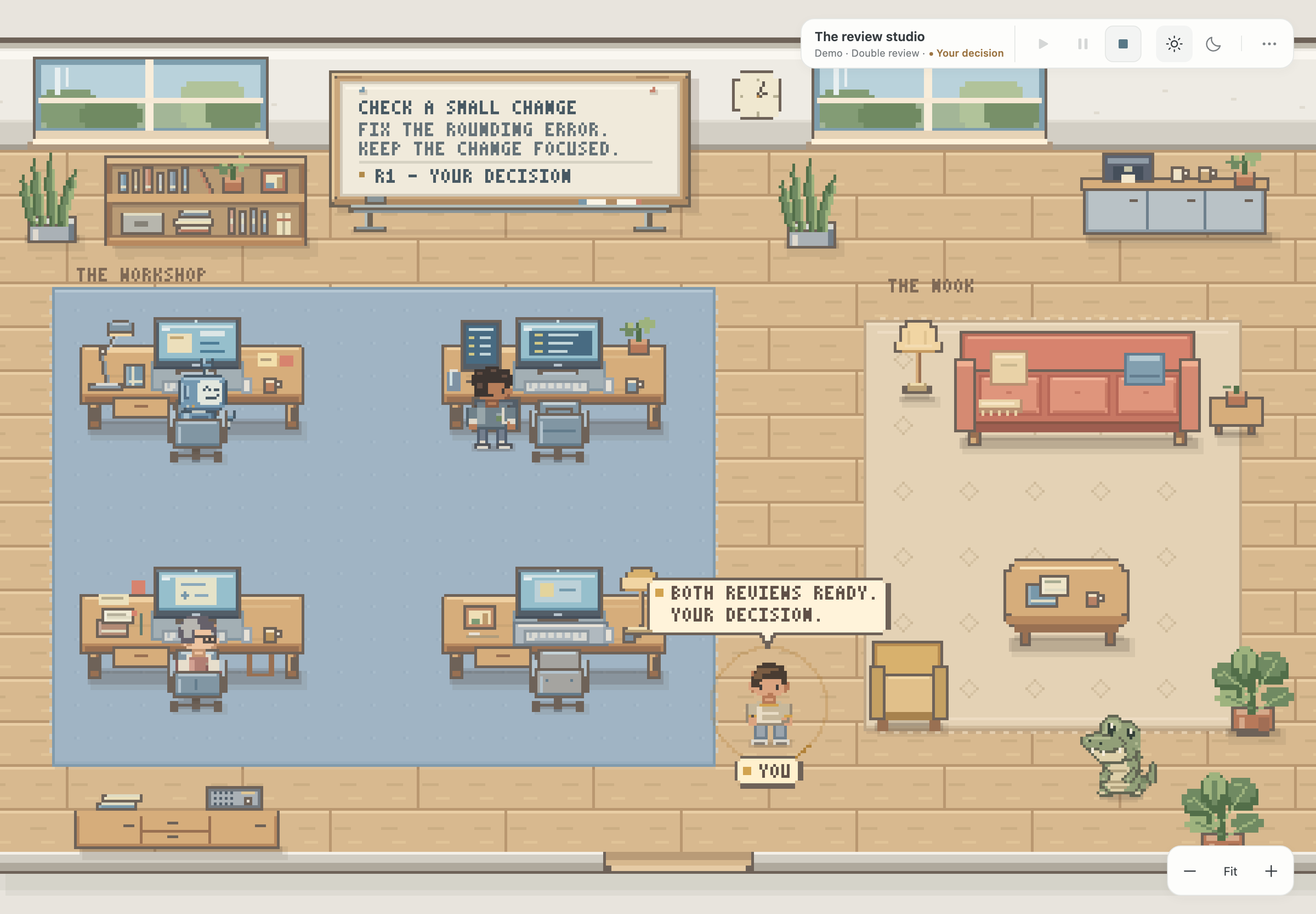
Built with ZipperGen · Early preview
Meet ZipperCrew
Give a task to an AI team in a pixel office. Watch the work and reviews, then decide what to keep.
Explore ZipperCrewStart with an approval workflow
This workflow waits for a message, asks a model to draft a reply, and asks you before sending it. Then it waits for the next message.
@workflow
def email_approval() -> int:
    Mailbox: item = next_unread_message(processed)
    while (item is not None) @ Mailbox:
        Mailbox: message = message_text(item)
        Mailbox(message) >> Writer(message)
        Writer: draft = draft_reply(message)
        Writer(draft) >> Mailbox(draft)
        Mailbox: approved = approve_reply(draft)
        if approved @ Mailbox:
            Mailbox: handled = send_reply(draft, handled)
        else:
            Mailbox: handled = discard(handled)
        Mailbox: processed = complete_message(item, processed)
        Mailbox: item = next_unread_message(processed)
    return handled @ Mailbox
@ Mailbox says who owns the decision. The actions define how
messages are read, replies are drafted, and approval is requested. The
tutorial
starts with a local folder and approval in the terminal.
Run it and see what is happening
Before deployment, configure the model and any external services the workflow needs. Choose how you want to receive approval requests, for example through Telegram. Then check and deploy the project:
zg validate
zg check --strict
zg deploy
ZipperGen starts the service and saves its progress. Pending approvals stay available across a restart. From the same project directory, you can see what needs attention and how the service is running:
zg deploy tasks
zg deploy status
zg deploy logs
Answer approval requests in the configured chat or use
zg deploy approve. The
deployment guide
covers setup and running the service on macOS or Linux.
One workflow for all participants
ZipperGen derives a program for each participant from the global workflow. Each program contains only the work and communication that participant needs. In the example above, the Writer has no approval branch because it has no work in either outcome.
This approach is called choreographic programming. For well-formed workflows covered by the formal model, the generated programs cannot deadlock. The core theorem is machine-checked in Lean 4. CPL guards can also check earlier events and values that are causally visible at a decision. The README explains the scope of these guarantees.

Bollig, Függer, Nowak. Provable Coordination for LLM Agents via Message Sequence Charts. arXiv:2604.17612. ISoLA 2026.
Bollig. Deadlock-Free Parallel Regions for Projected Workflows. EXPRESS/SOS 2026.
Bollig. Causal Past Logic for Runtime Verification of Distributed LLM Agent Workflows. arXiv:2605.20923. ICFEM 2026.